Swivel dining chairs.
Which rotation fits your brief?
360° rotation vs 180° auto-return — a buyer’s guide.
Start with how the chair will be used. Then confirm the mechanism, dimensions and upholstery of the exact sample you plan to order.
Updated 10 October 2026
Free rotation.
Or a return position.
Choose the movement you need before comparing quotations.
Full-circle swivel
The seat can rotate through a full circle. Confirm separately whether the proposed mechanism includes a return function; the rotation angle alone does not tell you.
Consider it when: users need to turn in different directions around a dining space.
Auto-return option
A limited-rotation mechanism returns the seat towards its starting position. Ask the supplier to demonstrate the exact turning range and return action on the proposed sample.
Consider it when: returning chairs to a consistent orientation is part of your layout brief.
“180°” should be clarified: is it the total travel or the travel to each side? Confirm the return direction, speed and behaviour with and without a seated user.
From a real
sample project.
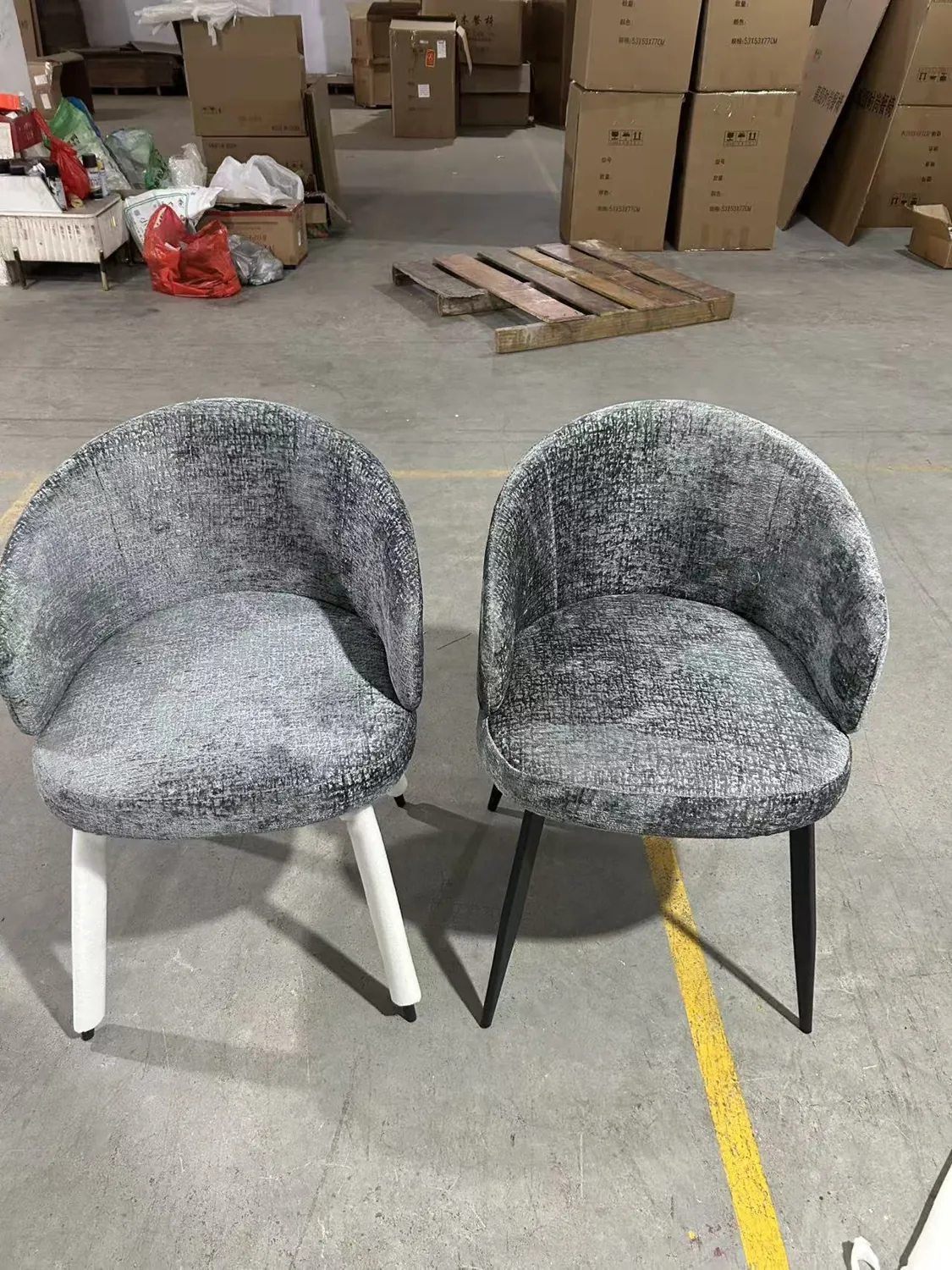
These workshop photographs show a swivel dining chair sample prepared for a Japanese customer.
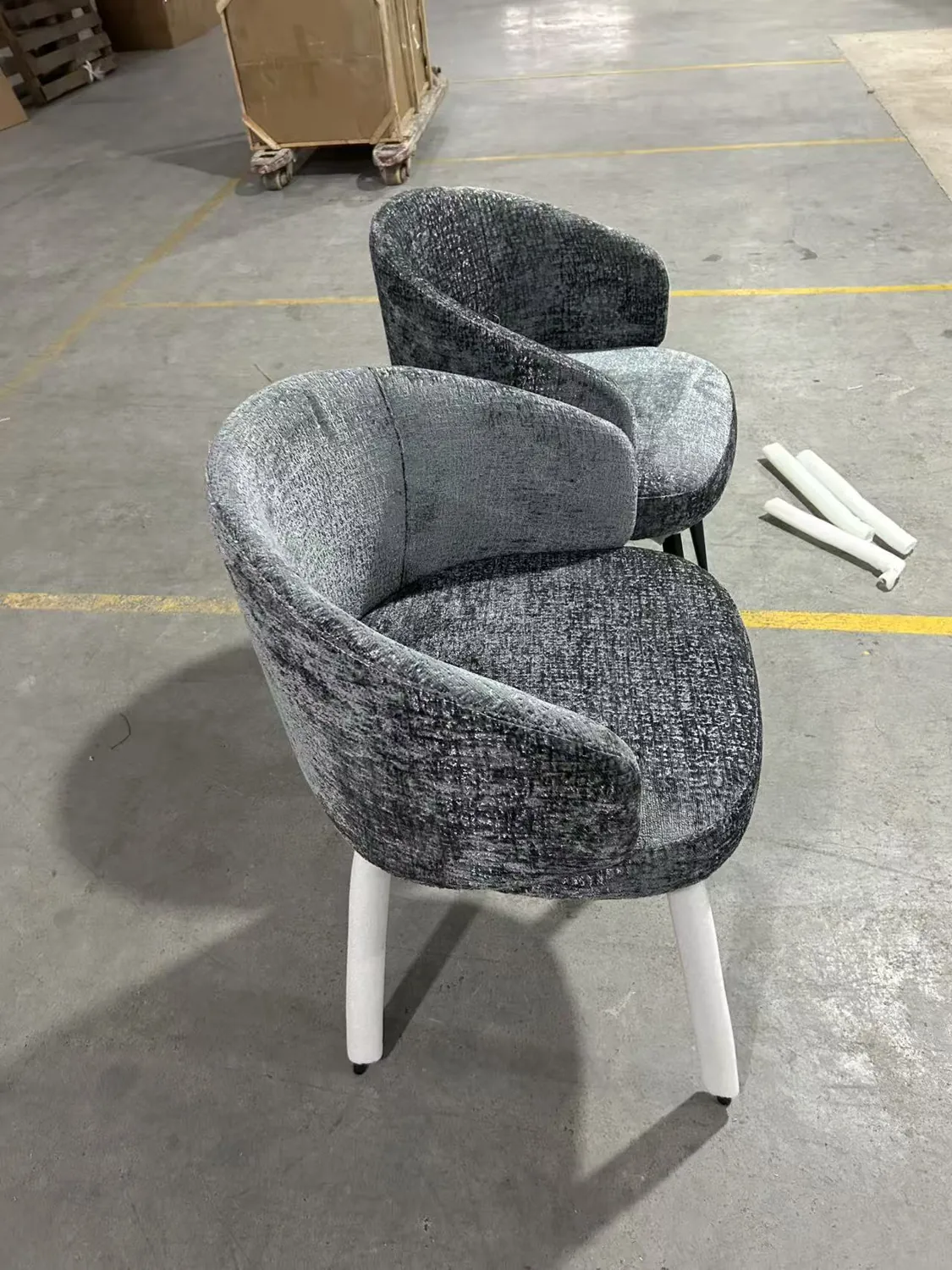
Two mechanism options to discuss.
This chair can be made with 360° rotation. A 180° auto-return version can also be discussed as a custom configuration.
The photographs show grey upholstery and black legs. The white material around some legs is protective wrapping.
Seat height, overall dimensions, fabric specification, sample availability and prices are confirmed with the quotation. No load rating or certification is claimed here.
Discuss your swivel chair ↗Opens WhatsApp with a draft — you still need to press send.
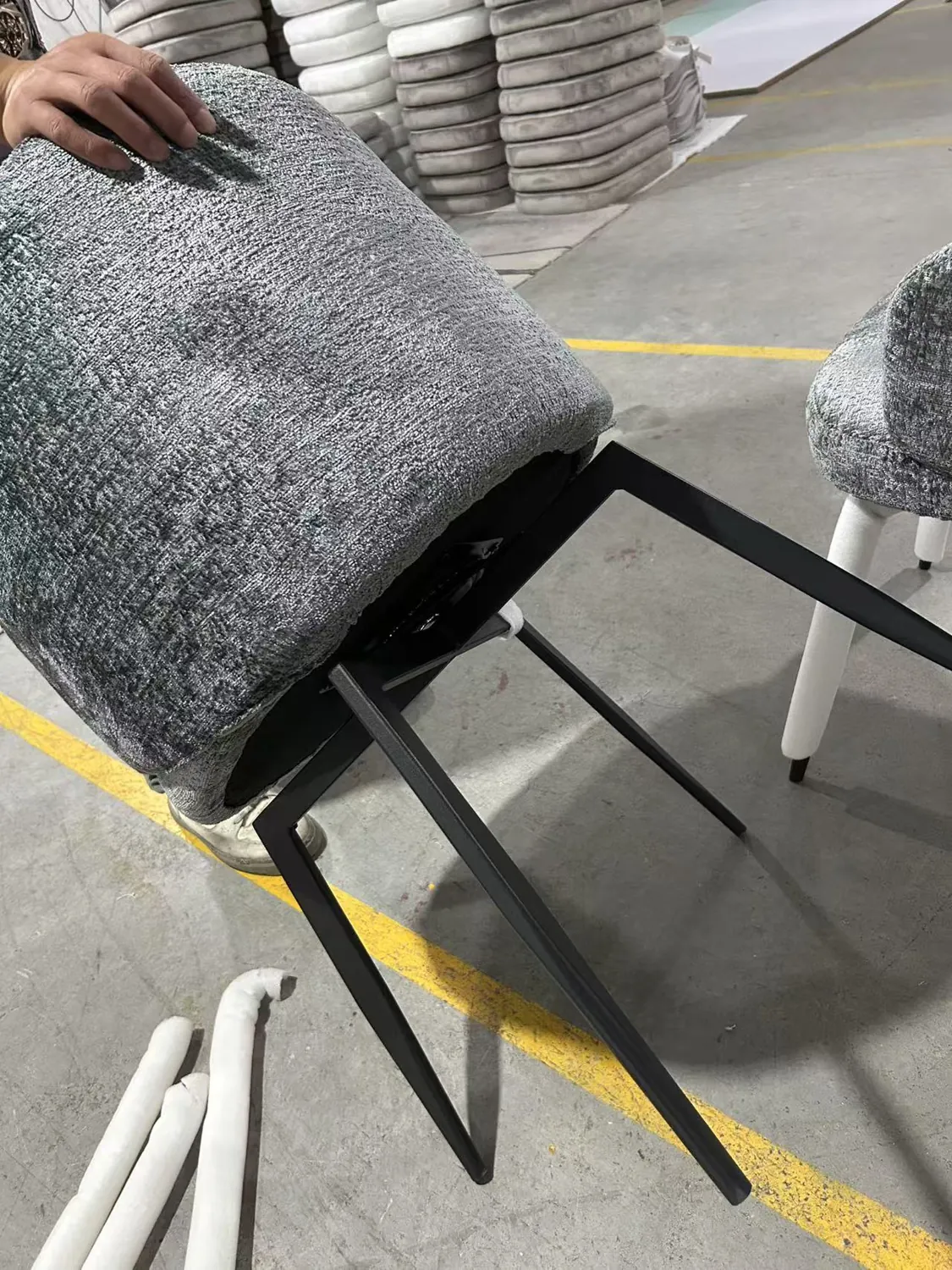
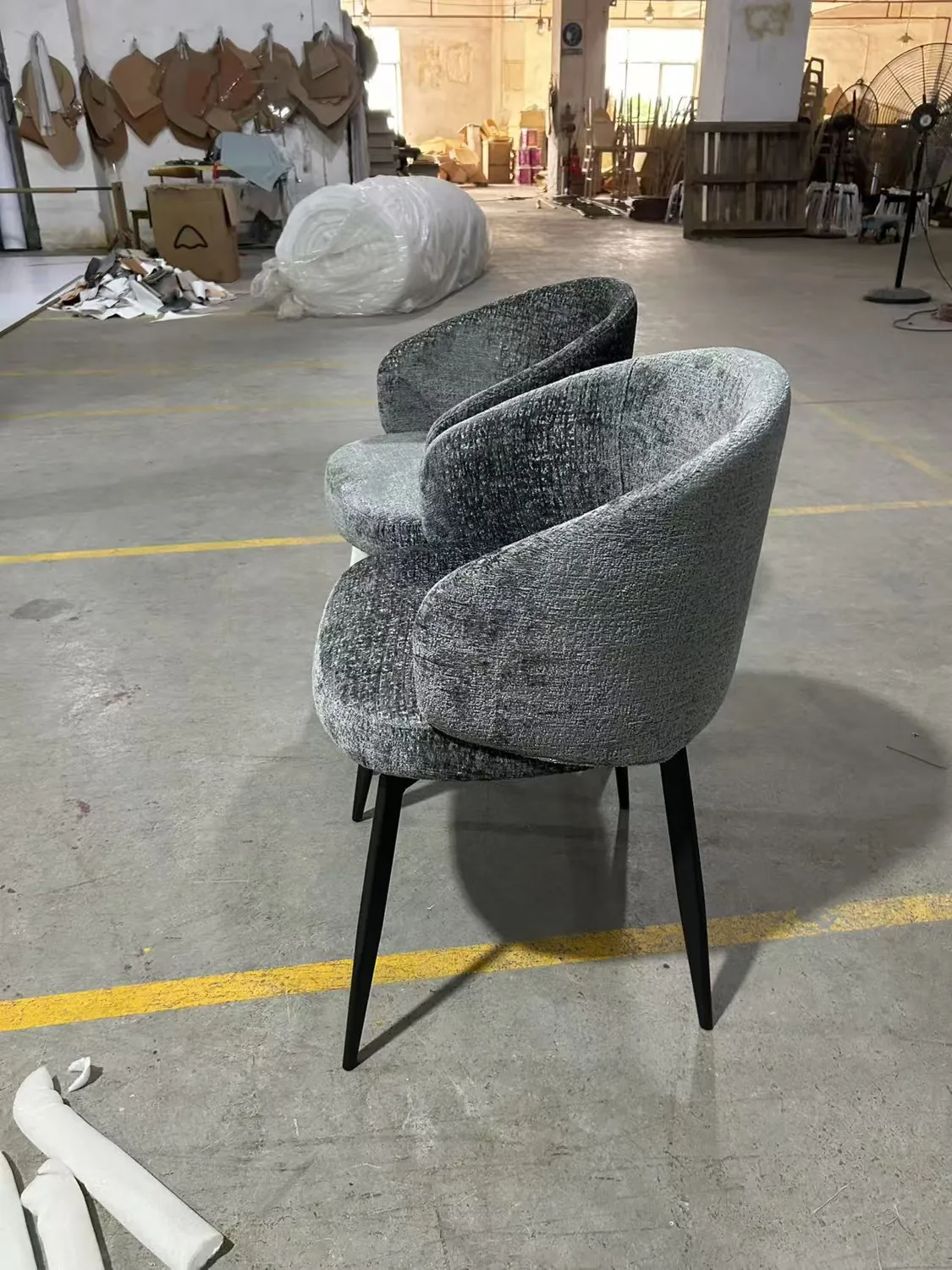
Photographs show the sample’s appearance and visible construction. Still images do not verify its turning range, return function or durability.
What to confirm
before ordering.
The exact mechanism
Request the mechanism specification and a video of the proposed sample rotating. For auto-return, check the return position, turning range, resistance and any noise. Ask for any available durability test report and its test conditions.
Stability and clearance
Ask for the base footprint and the chair’s dimensions throughout its movement. Check the layout near table legs and adjacent chairs. Verify stability on the sample; appearance alone cannot establish it.
Upholstery and cleaning
Confirm the fabric name and composition, colour reference and cleaning instructions. If abrasion performance matters to your project, request a report with the test method and result for that fabric.
Seat and table fit
Measure seat height, the underside of the table and any apron, plus armrest height. Check legroom and whether the chair can move under the table. Evaluate the actual chair and table together.
Testing and quotation scope
Request any applicable load or stability test evidence for the exact chair configuration. Confirm quantity, mechanism, materials, packing, sample costs, production timing and trade terms in the quotation.
Send a brief
we can work with.
Tell us your intended use, preferred rotation, approximate quantity and destination. Include table dimensions or a reference drawing if available.
Choose your rotation option → confirm the sample and specifications → agree the quotation for that configuration.